
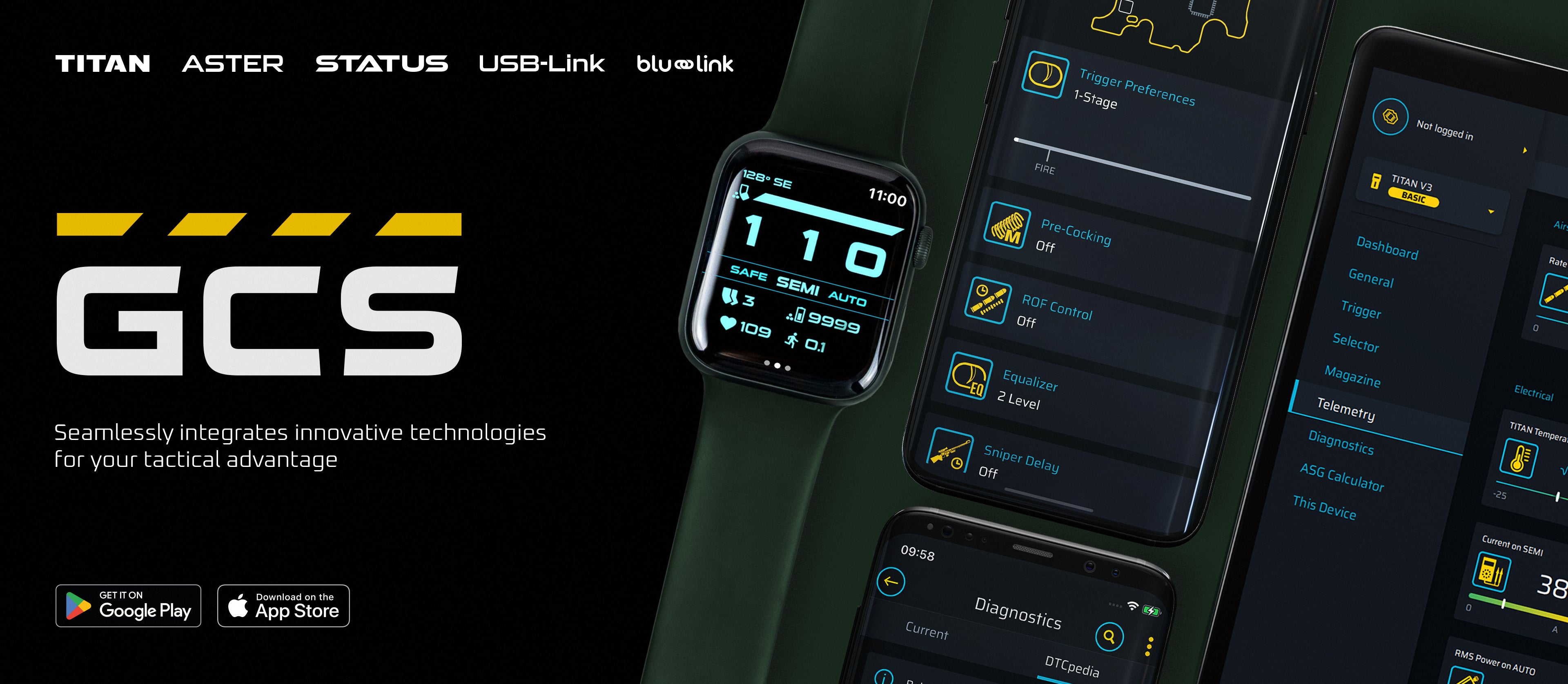
GATE CONTROL STATION

GATE Control Station Mobile App
Download GCS App for iOS
What can you do with GCS?
- Adjust your replica’s settings
- Recalibrate trigger and fire selector
- Switch to advanced cycle detection modes (e.g., DSG, single-sensor or dual-sensor mode for TITAN II)
- Control RPM and torque of the GATE G5 intelligent brushless motor
- Precisely set valve opening times for your HPA engine
- Manage external sensors in your replica (bolt-catch, magazine, additional trigger or selector sensors)
- Control power settings for external devices (e.g., hop-up tracer)
- Track shot history and telemetry data
- Manage battery settings
- View statistics, perform diagnostics, and send reports
- Access free Virtual STATUS on your phone or smartwatch
- Use the ASG calculator showing power-to-BB weight correlation
Moreover, GATE Control Station gives you the option to:
- Update firmware
- Check options available for different GATE ETUs in the Preview Mode
- Contact the GATE support team
- Receive important messages about updates and new releases
The GCS App is designed to support:
- ASTER II (V2, V3, PTX)
- TITAN II
- ASTER (V2, V3)
- TITAN (V2, V3, NGRS)
-
STATUS
- dongles: USB-Link (Android only), Blu-Link (iOS & Android)
GATE Control Station for desktop
Important:
- The desktop version was supported until March 2024 and does not include new features added after that date.
- We do not recommend using it for second-generation units: TITAN II, ASTER II.
GATE Control Station is a free universal app for configuring, controlling, and connecting the GATE Ecosystem parts such as the TITAN and ASTER Electronic Trigger Units or the tactical computer STATUS. The app is compatible with iOS, and macOS devices. To connect with the GATE Control Station App, use Blu-Link or USB-Link and the corresponding device. Remember TITAN II Bluetooth® & ASTER II Bluetooth® do not require Blu-Link or USB-Link.
Update the firmware and adjust the settings of your ETU at home, using the USB-Link or Blu-Link and the GATE Control Station app. It is compatible with all firmware editions of first generation ASTER and TITAN.
Download GCS for Windows
Download GCS for macOS